
Say it when you see it. The report builds itself.
The old way is one tired report written from memory at the end of the day. With Punch, the field logs quick voice notes and photos as things happen, Punch organizes them as they land, and by quitting time the daily report is already built — one tap to save and send.
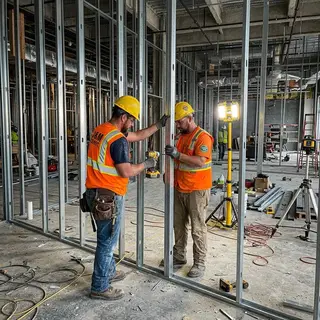
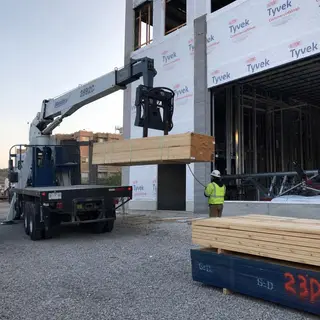
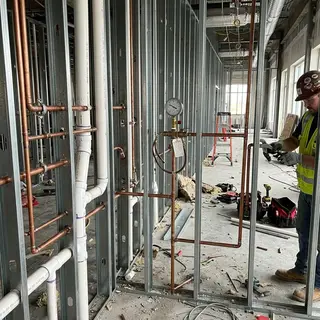
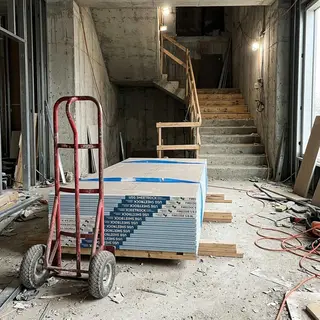
The report gets written last, when the day is already gone
Every superintendent knows the ritual: run the job all day, then sit in the truck or the trailer reconstructing what happened — which crews were where, what got delivered, what got delayed, which photos go with which building. Or worse: it’s 9 PM, you’re about to go to bed, and you realize the report never went in. Now you’re scrambling from the couch, working from a memory that’s twelve hours old.
When reports are a chore, they get thin. And thin reports are what you have to stand on when a backcharge, a delay claim, or a billing dispute shows up months later.
See something, say something — all day long
The behavior shift is simple: stop saving it all up for the end of the day. Say it when you notice it, and let Punch do the assembling.
- 01
Say it when you see it
Pull out your phone for a few seconds as things happen — a crew starting, a delivery landing, an inspection moving — and tell Punch. Photos attach as you go. No sitting down to type.
- 02
Punch organizes as it lands
Each capture files itself into the day’s record — labor, deliveries, delays, issues — and Punch asks a follow-up question when something is unclear.
- 03
By day’s end, it’s built
The report has essentially written itself from what you said all day. Review it, then one tap to save and send. No truck, no trailer, no 9 PM scramble.
- 04
The same stream keeps working
Because capture is this easy, the field talks to Punch all day — and that same stream assigns tasks, follows up with people, and updates the schedule while you keep walking.
A polished PDF, formatted your way
When you tap send, the report goes out as a clean, formatted PDF — not a wall of chat messages. The day’s photos ride along inside it, each with its caption. File names follow the pattern you configure, so reports land in the owner’s inbox and your job folders named exactly the way your company names things.
Templates are customizable per company and per project, and a busy day isn’t a problem: file as many daily reports as the work calls for, each one built the same way.
Every photo becomes a record you can search.
The photos you snap on the walk attach to the report you're already giving — no separate upload step, no camera roll full of orphans. Then Punch's AI looks at each one, writes down what it shows, and tags it — so a photo is findable by what's in it, not just by the date someone took it.
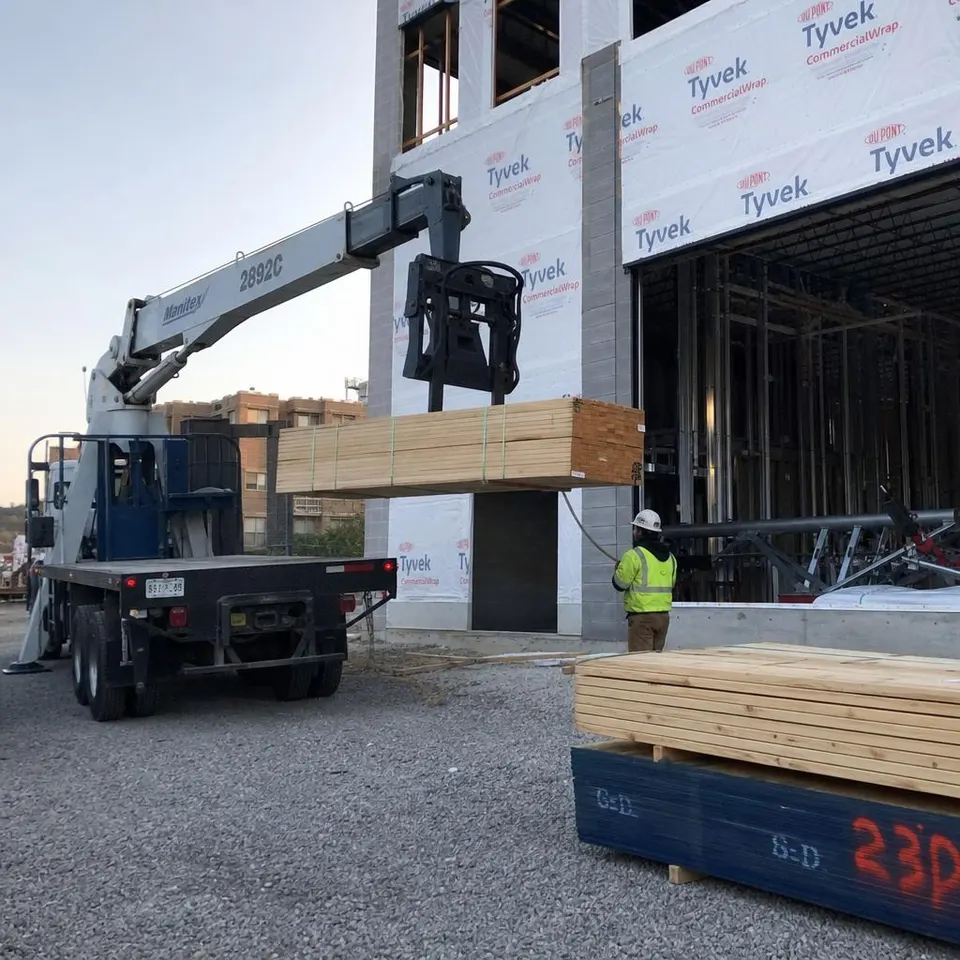
Every project's photos live in one searchable hub, and each photo stays linked to the daily report it came from — so when a dispute surfaces months later, the picture and the record around it come up together. See the Photos Hub →
Where this sits in the flow
Daily reports are the field end of the bid-to-books flow: the all-day stream of captures keeps the office, the schedule, and the job-cost picture current, not just the report. It’s also a common place to start with Punch. Field crews can be live on Daily Reports in less than 48 hours, with real data from their own jobs right behind it.
How work moves through this step
In to Punch
- Quick voice notes throughout the day
- Photos
- Labor, deliveries, delays
- Measurements and issues
Out from Punch
- Daily report, built by day’s end
- Formatted PDF, saved and sent
- Tasks, follow-ups, and alerts
- Schedule updates
Connection: Capture from the Punch mobile app by voice, photo, or text; outputs arrive in the Punch app, notifications, and email
From a real job
“I’m saving 2.5 hours a day by not having to stop and fill out forms all day.”
2.5 hrs/day
The time Dustin gets back while writing six daily reports and ordering materials for those jobs through Punch.
One Atlanta drywall contractor covered three buildings across five floors in a single spoken walkthrough, including photos, delays, and a scope question routed to the PM as a task. Their reports went from 30 minutes to 3. That’s the bigger pattern in miniature: when the reports, orders, and follow-up run through Punch, time spent on paperwork drops by about 90%.
Related reading
Construction Daily Reports
What goes in a daily report, who fills them out, and why they matter for billing and disputes.
Read moreCustomer storyOne Job Walk, One Complete Report
How an Atlanta drywall contractor cut daily reports from 30 minutes to 3.
Read moreProductScheduling
The same field updates keep the schedule honest. See how Punch builds it.
Read moreProductTasks
Turn report follow-ups into shared, assigned work linked to the record.
Read moreSee Punch work on your own workflow.
It's a working session, not a slide deck. Bring a real PO, an invoice, or a daily report. You'll use Punch on it live.